Keyword research
AI images and infographics
Images that fit the text. And your site.
A featured image and in-text images in your site’s style, plus infographics. All with alt text, at no extra cost.
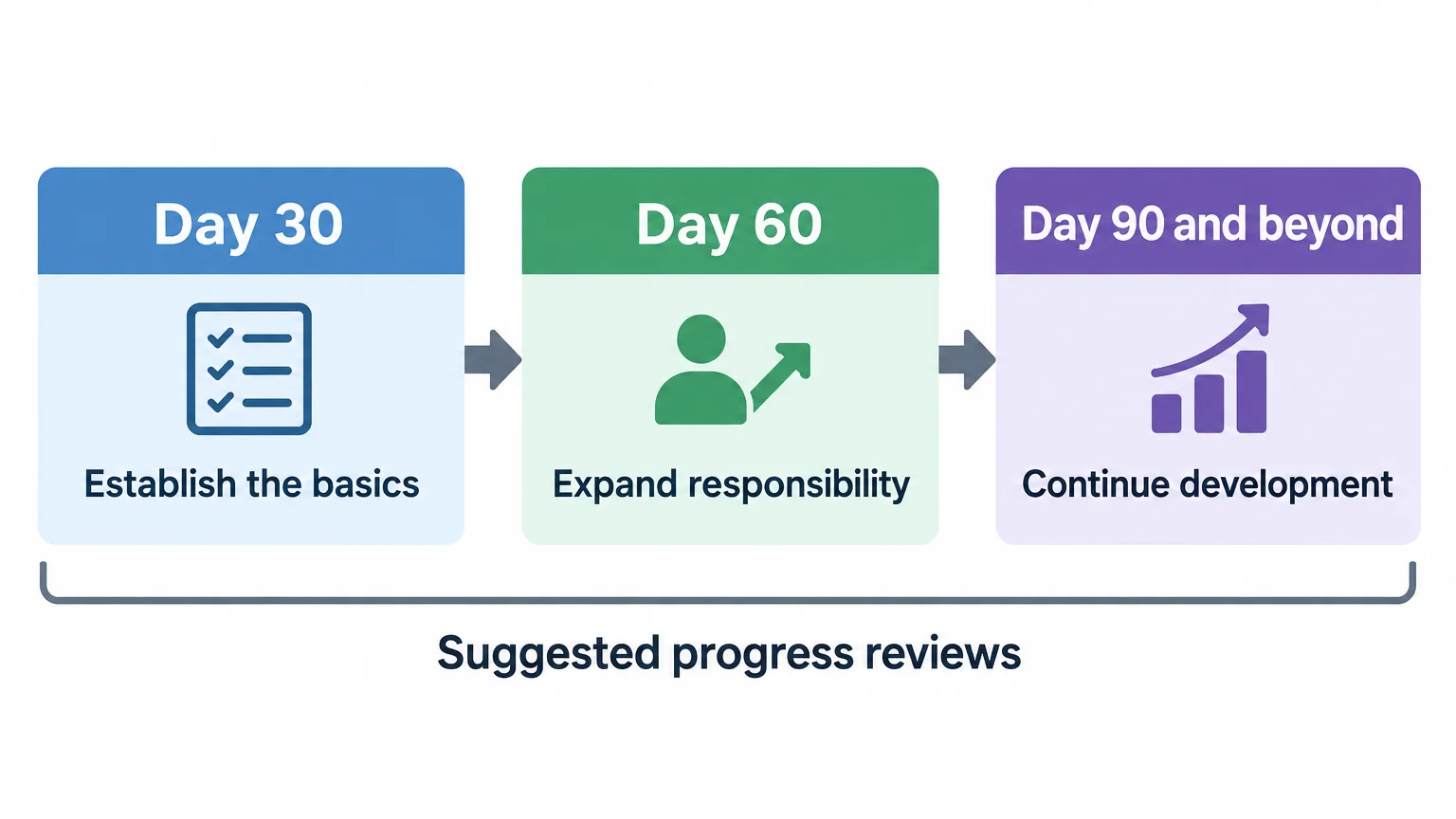
Images from “Employee Onboarding Checklist: Before Day One to Day 90”Real run


- built in, plus up to 3 presets of your own
- 5 styles
- in-text images, each with alt text
- 2 to 4
- of infographic, from bar chart to decision tree
- 5 forms
- aspect ratio of every generated image
- 16:9
In the style your site already has.
During setup, Citapult looks at up to five images from your homepage and blog and describes their look as a preset. If it's off, pick one of the built-in styles or create presets of your own.
- Sketch, watercolor, realistic, illustration or brand & text
- Built-in styles pick up your brand color
- Up to 3 presets, each with its own style description and example images
- Featured image with the title, without it, or as a fixed title cover
Graphics with the figures from the text.
Where a graphic explains more than a paragraph, the agent turns up to two in-text images into infographics. It spells out every label and every figure, in the article's language. The graphic sits right after the first paragraph of the section it illustrates.
- Figures become a bar chart, A versus B a comparison table
- Choices become a decision tree, processes numbered steps
- Only in sections that don't have a table yet
- With the Premium images add-on, in your preset's style too
Every image stays replaceable.
The editor shows the featured image and the in-text images at a glance. Don't like one? Regenerate it or upload your own. Change the title, and Citapult tells you the featured image still shows the old one.
- Regenerate, upload, download or remove
- Alt text in the article's language, for every image
- In WordPress, the featured image fills the post's featured image slot
Common questions
Do images cost extra?
No. The featured image, in-text images and infographics come with every article, Pro trial articles included. You only need the Premium images add-on if your preset should style the infographics too; without it they stay plain in your brand color.
Are the figures in the infographics right?
The agent hands the image model every label and figure word for word, taken from the paragraph above, which links its source. Image models still misspell now and then, so look at the graphic before you publish and regenerate it if something is off.
Is there text in the images?
Sketches, watercolors, photos and illustrations carry no lettering, logos or watermarks. Text appears only where it belongs: in infographics, in the brand & text style, and in the featured image, which carries the title by default.
Can I use my own images?
Yes. Upload an image in the editor and it replaces the selected one. With nothing selected, it becomes the new featured image.
What if my site has hardly any images?
If Citapult finds fewer than two usable images, it doesn't create a site style. Pick one of the five built-in styles instead, or describe the look you want in a preset.
Updated
What else Citapult does.
Three days of Pro for $1.
Then Regular price$199 now$99 a month per website. Cancel anytime before.